To successfully book tickets for a Sichuan Opera performance,
you need to prepare two mobile apps in advance: WeChat and Alipay
The discounted tickets on this website are only available for advance booking.
You can make your reservation through the following two methods:
Online booking:
PC:
https://www.cdyts.com.cn/spots/show_1.html
Mobile:
https://m.cdyts.com.cn/spots/show_1.html
Due to China's network regulatory restrictions and limitations on network attacks,
you may not be able to access this link.
We recommend switching to a different network environment and trying multiple times.
We suggest visiting the link and making a reservation on a PC (only Alipay payment is supported).
This way, you can enter your email immediately, which will facilitate receiving our confirmation email promptly.
If you are accessing this online link via your mobile phone to make a reservation,
please add our customer service WeChat immediately after placing your order successfully,
so as to easily obtain confirmation information of your successful reservation.
2. To make a reservation through customer service,
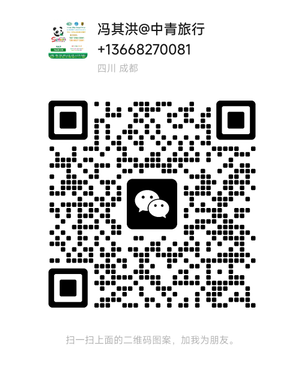
please use the WeChat app on your phone and add our customer service WeChat account via the scan function (the QR code for customer service is provided below). Please send the following information directly:
Name: ***
Number of people: ** people
Phone: ***
Ticket type: VIP/A/B
Date: y-m-d
Show time: Default to 8 PM (additional 6 PM shows may be available on certain days)
If there is no special instruction, Package A will be arranged by default
After the payment is successful, our customer service will send a screenshot of the successful booking.
Special note: Our customer service team only provides assistance with bookings and does not offer other consulting services.
Contact Us
Phone: +86 13668270081
WeChat ID: 13668270081
E-mail: admin@cdyts.com.cn
Use your WeChat and scan the QR code to add the following customer service WeChat account for assistance.